
The digital photo album for weddings, birthdays, and events
All your guests' photos and videos in one place right away—no hassle, no waiting.
- ZNo app & no registration required
- ZGuests can easily upload content using a QR code or link
- ZPerfect for weddings, birthdays, and corporate events
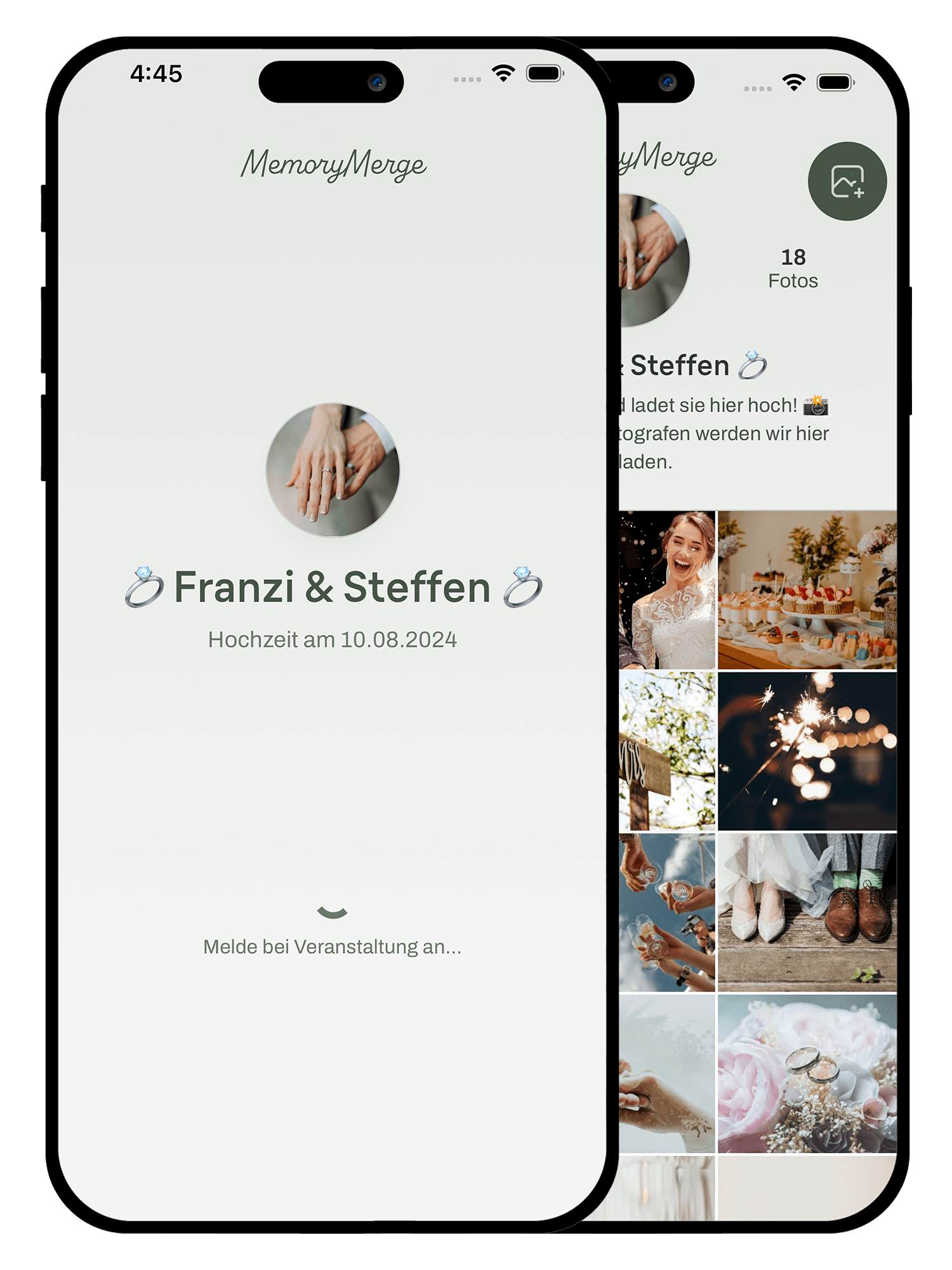
It's that simple
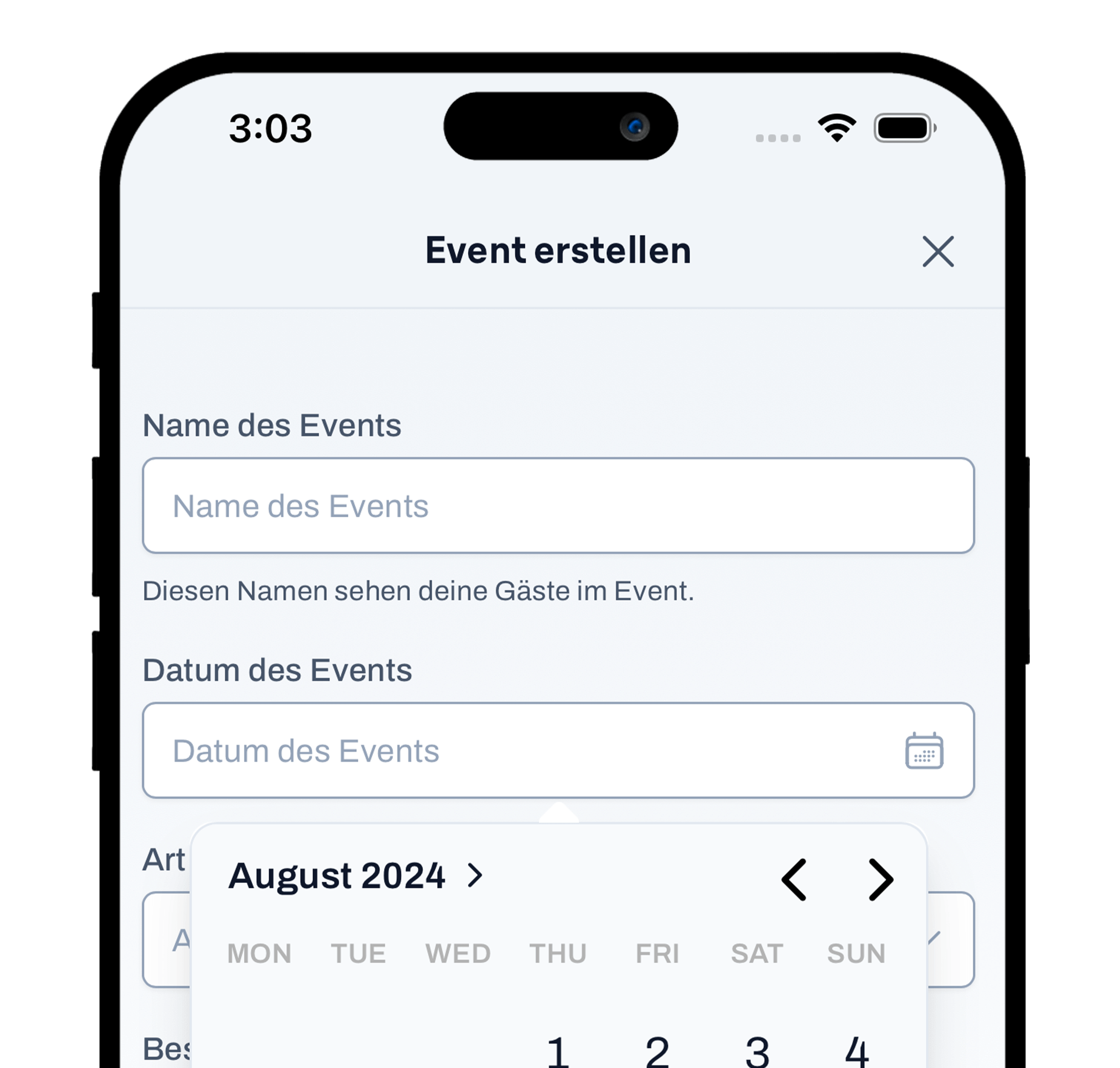
1
Create an event – Ready to go in just 1 minute.
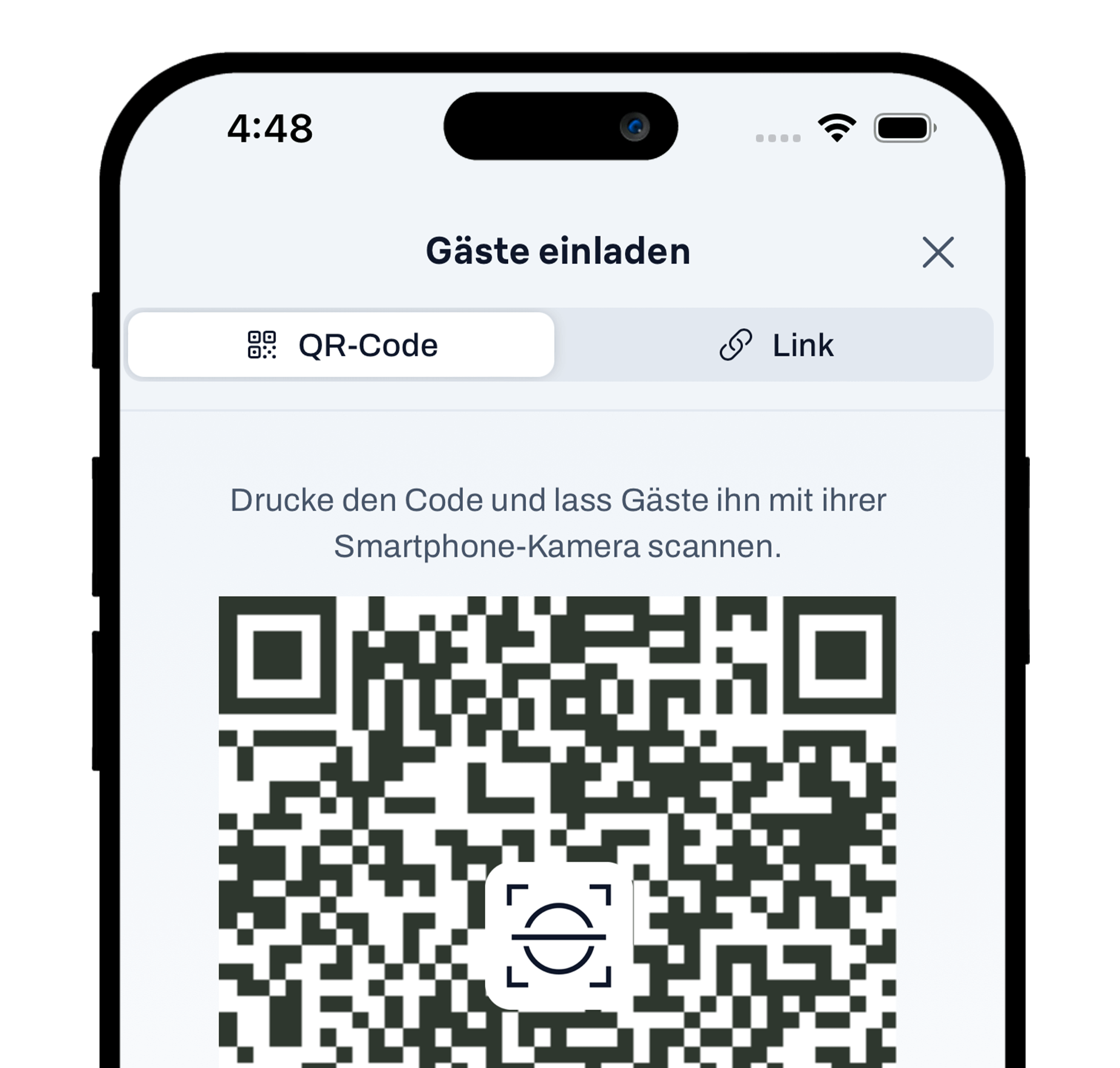
2
Invite guests – via QR code or link.
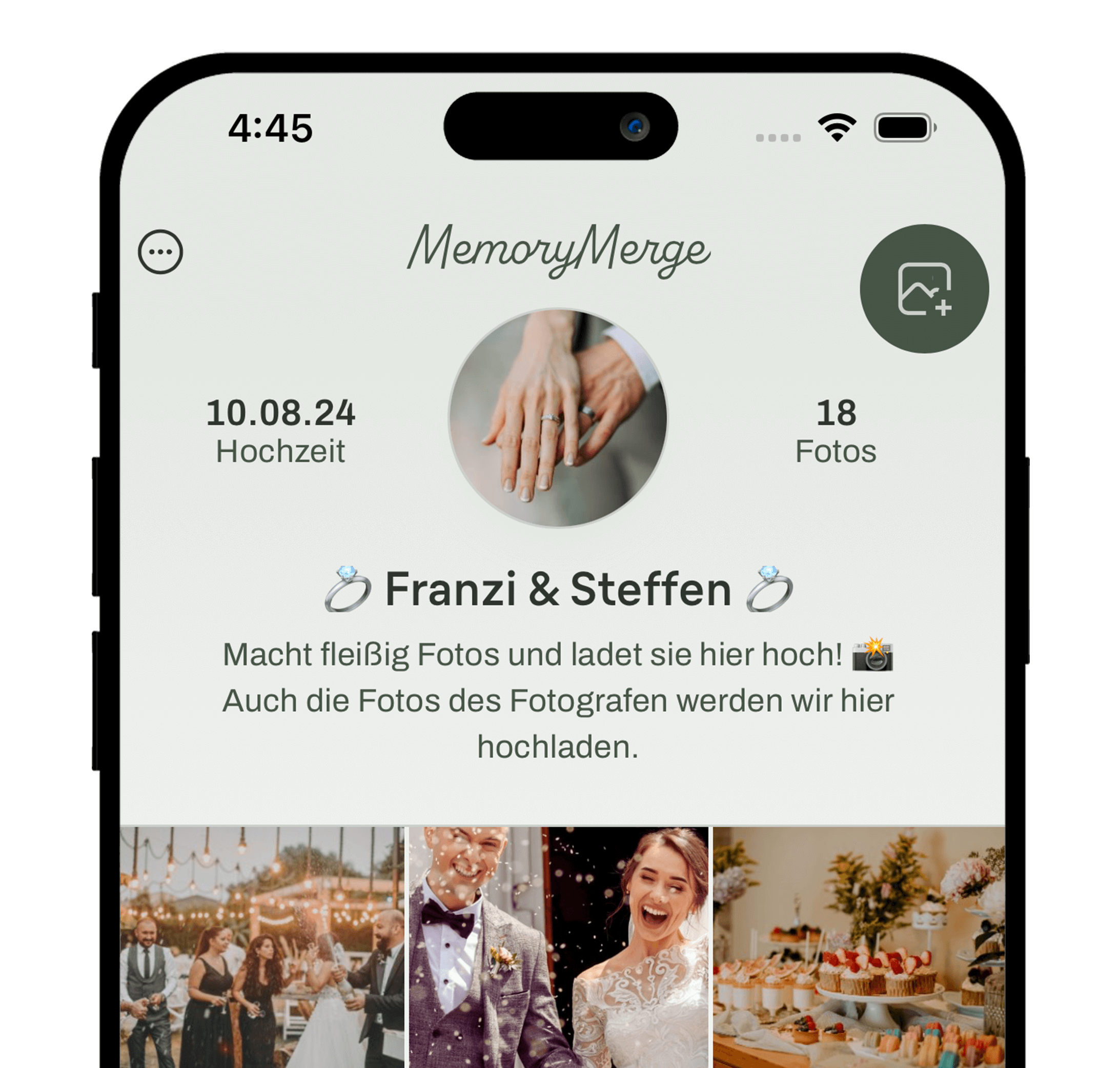
3
Sit back and relax – All photos and videos are automatically saved to your album.
Here's what MemoryMerge can do
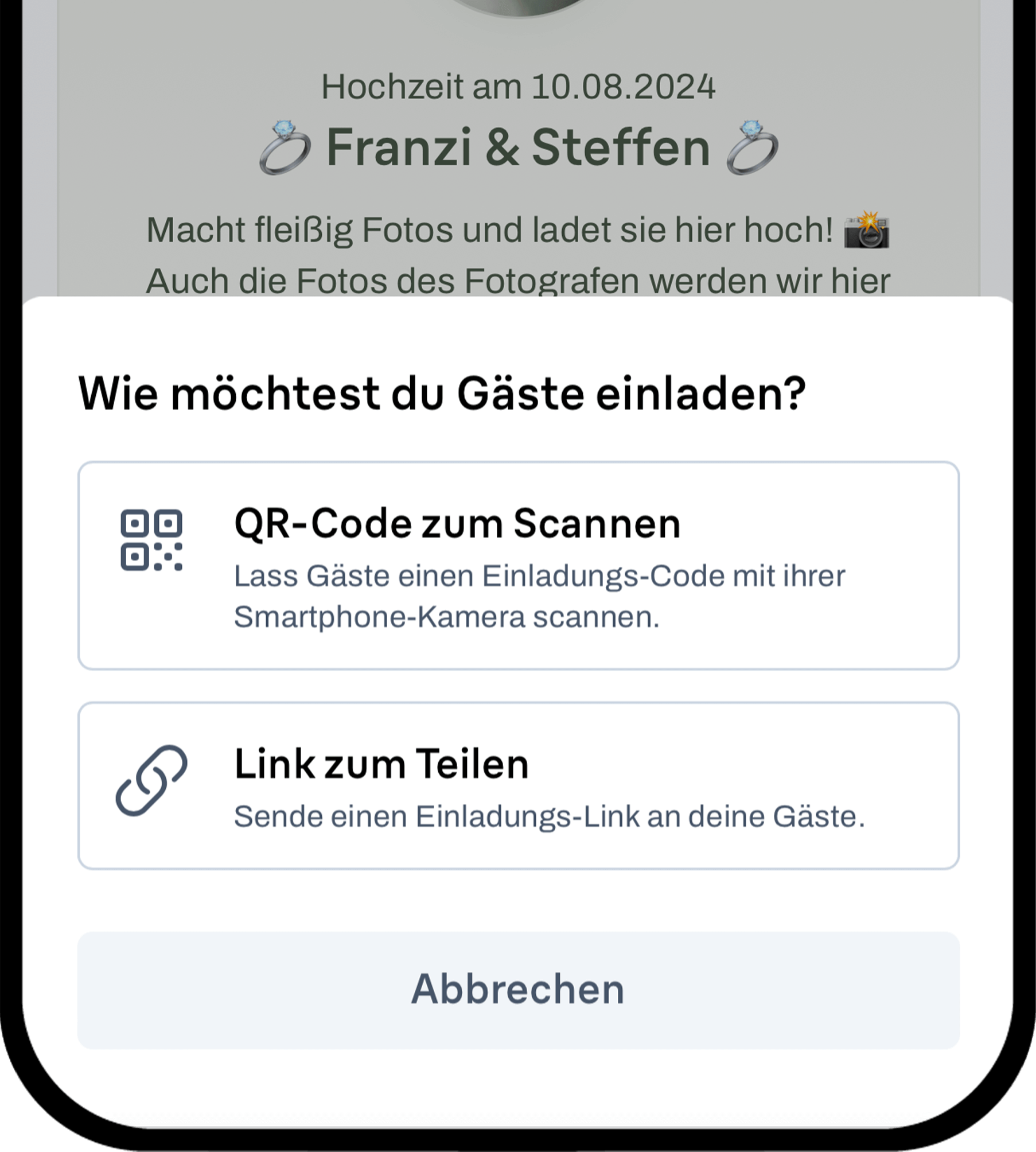
No app. No hurdles.
Neither you nor your guests need to install anything. Just scan the QR code and upload photos and videos directly—no registration required.
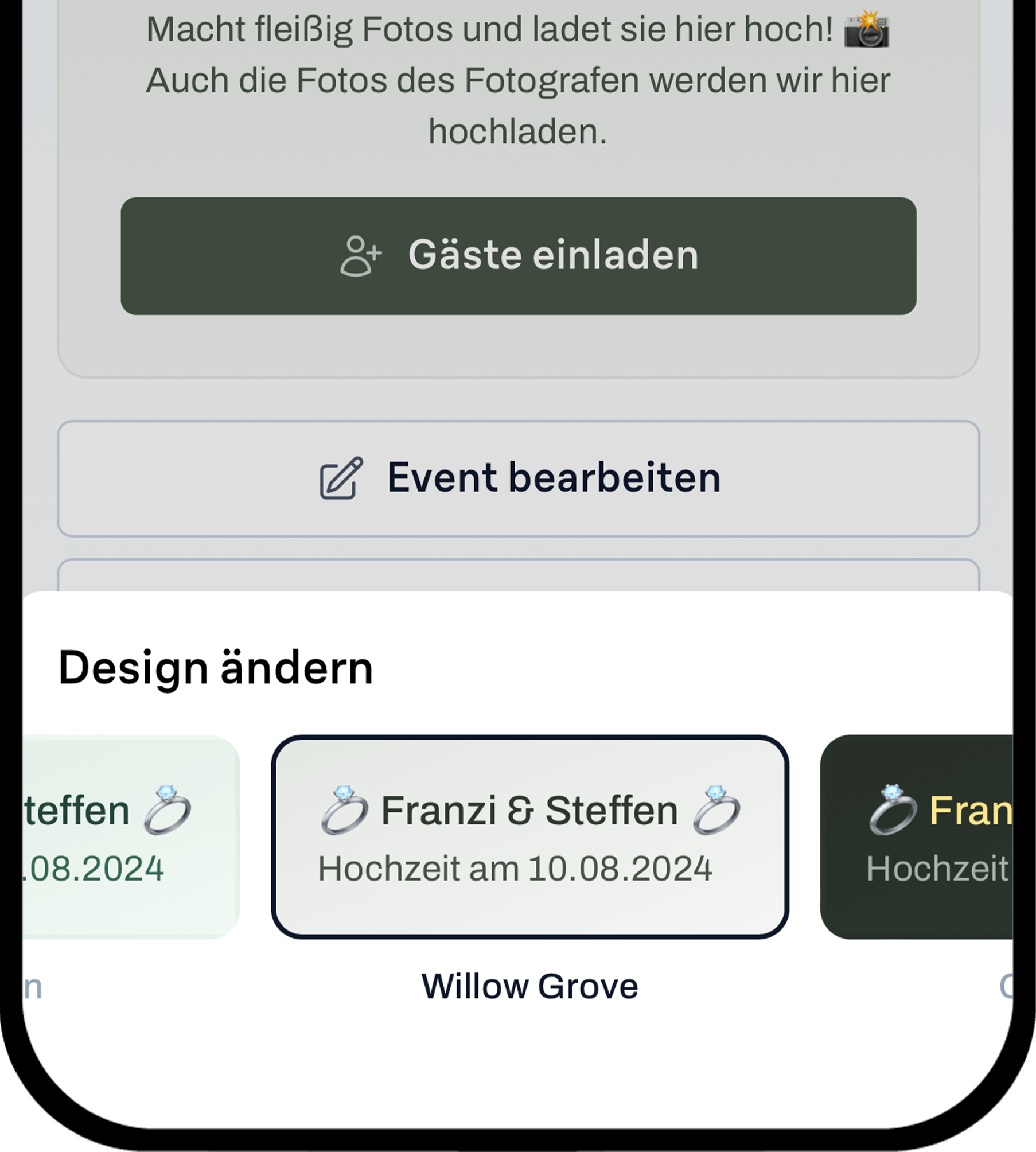
Your event. Your design.
Create your digital photo album with carefully selected designs, perfectly suited for weddings, birthdays, or corporate events.
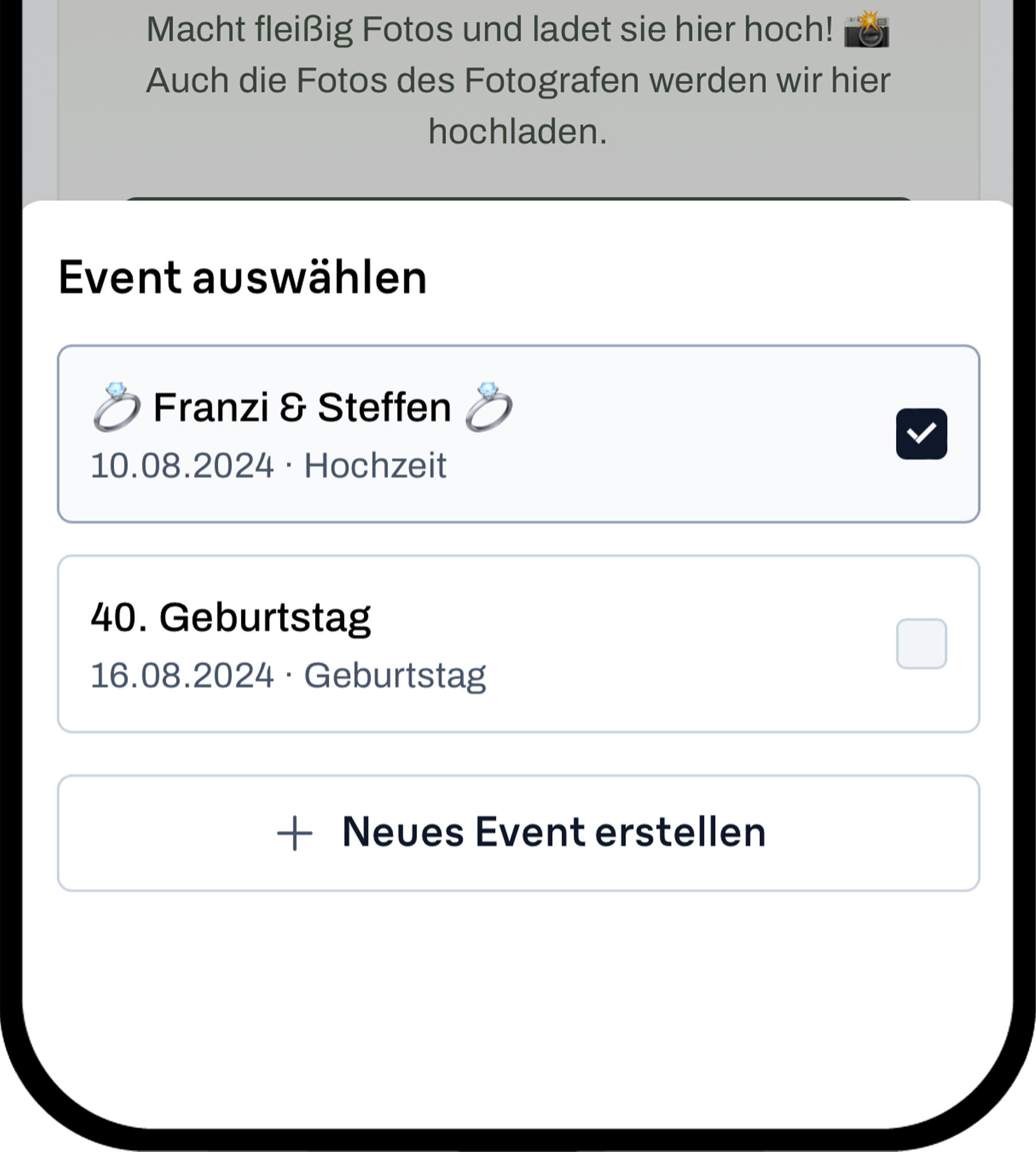
All your events under control.
Plan, manage, and collect photos for multiple events at once—quickly, easily, and clearly.
How MemoryMerge helps you
Have you ever had trouble getting your hands on the photos and videos after a wedding or birthday party?
With MemoryMerge, all guests can upload their photos to a shared album and download photos and videos from others.
Without MemoryMerge
- The tedious process of collecting photos and videos
- Loss of quality when sending via Messenger
- Duplicate photos due to multiple chats
- “Do I already have all the photos?”
- “When will the photographer's photos be ready?” “Did anyone take a photo or video of XY?”
- “Did anyone take a photo or video of XY?”
- “Please send me all the photos I'm in.”
With MemoryMerge
- All photos & videos in one place
- Photos in original high-resolution quality
- No more duplicate photos sent to me
- No constant questions about who took which photos or videos
- The celebration as seen through your guests' eyes
- Authentic, candid photos
- Each guest can download specific photos and videos (such as those in which they appear)
MemoryMerge can do even more
What our customers say

Pricing
Starter
Perfect for smaller events.- 500 photos
- 25 videos
- 75 guests
- 2 bulk downloads*
- 12 months of storage**
- Available designs
Premium
Our most popular package- 5,000 photos
- 50 videos
- 500 guests
- 5 bulk downloads*
- 12 months of storage**
- Available designs
Business
Perfect for businesses and professionals.- all “Premium” features
- White-Labeling***
- Colors in corporate design****
- Flexible user permissions
Deluxe
The largest storage facility.- 10,000 photos
- 200 videos
- 5,000 guests
- 10 bulk downloads*
- 24 months of storage**
- Available designs
*The number of bulk downloads indicates how many times you can download all the photos and videos from your event at once. Of course, you and your guests can download individual photos and videos as often as you like.
**Your photos and videos will be stored on our servers for this period of time. The storage period begins on the date of your event. You will receive an email well in advance before your content is deleted.
***White-labeling means that your event will no longer include any references (logo, text) to MemoryMerge.
****Match the colors of your event exactly to your company's design.
MemoryMerge is often used for this
Frequently Asked Questions (FAQ)
How long will the photos and videos from my event be stored?
JDepending on the package you choose, photos and videos will be stored for 12 to 24 months starting from the date of the event.
How can guests join my event?
Guests can join via an invitation link or a QR code, both of which are automatically generated by MemoryMerge.
How can I download the photos and videos from my event?
As an event organizer, you can download all photos and videos at once via the “Event” tab. Guests can also download individual items using the download icon.
Do my guests need to download an app to share photos and videos?
No, guests can simply scan the QR code or click on the invitation link to join directly through their smartphone browser.
Is it worth booking MemoryMerge early for my event?
Yes, we recommend booking MemoryMerge well in advance so you can set up the event at your leisure and include the QR code on your invitations. Don’t worry: the storage period doesn’t start until your event begins.
Who can access the photos and videos from my event?
All guests who have joined your event can access the photos and videos. However, you can choose whether content can be downloaded only by you or by all guests.
Is the price for MemoryMerge a one-time fee?
Yes, the price is a one-time fee, and access is valid for the duration of the booked package, starting on the day of the event.
Is MemoryMerge still worth it if I already have a professional photographer?
Yes, MemoryMerge complements the photographer and makes it possible to capture additional perspectives and spontaneous moments.
When will it be possible to upload photos and videos?
As the event organizer, you can upload photos and videos right away. Your guests can upload content as soon as the event starts.
Is there a limit to the number of photos that can be uploaded?
The number of photos and videos is limited depending on the package you've booked; you can find details in the package description.
How can I ensure that only selected guests have access to the content?
You can send invitations only to specific email addresses or use a personal QR code to control access.
Is there a way to monitor my guests' participation?
In the admin area, you can see which guests have joined the event and remove guests if necessary.
What happens to the photos and videos after the storage period expires?
Didn't find your question here? Send us an email at support@memorymerge.com

Gather all the photos and videos from your event in one place
Share your fondest memories with all your guests—it's easy and hassle-free.
Sign up for free now and use MemoryMerge for your event.
